Norvato IT Projects & Corporate Workspace
Setup Guide
Prerequisites
Important: Ensure you have a valid Intune license and Local Admin rights before starting.
checklist System Requirements
account_tree Installation Flow
1. Download MacTuner
Obtain the official .pkg installer from the Norvato IT download link.
2. Launch Installer
Double-click the package. You will be prompted for your local account credentials.
3. Start MacTuner
A 'MacTuner' shortcut is automatically added to your /Applications folder for easy access. Once executed, user ends up with an initial menu and needs to go through the wizard steps.
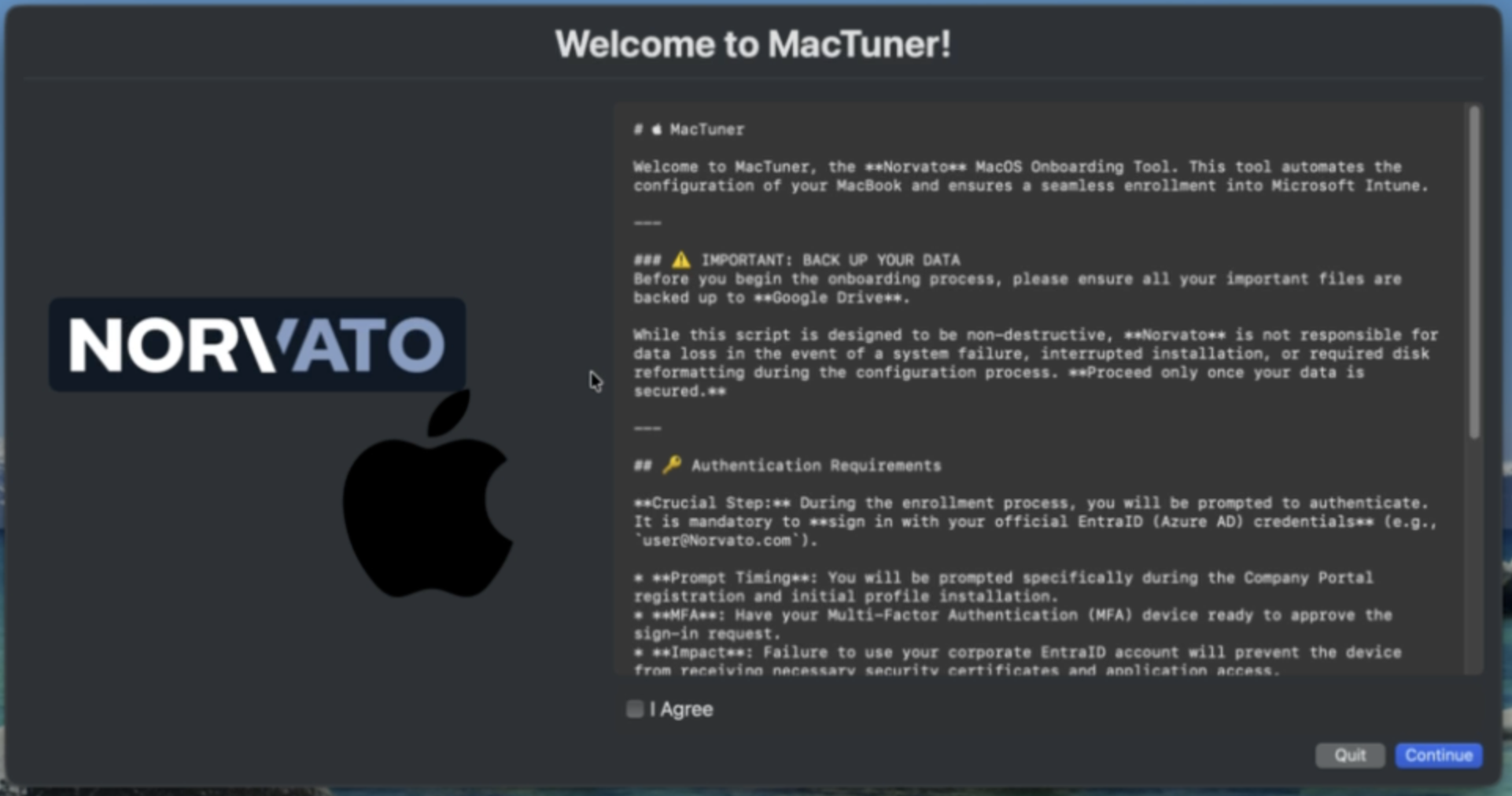
4. Configuration Scripts
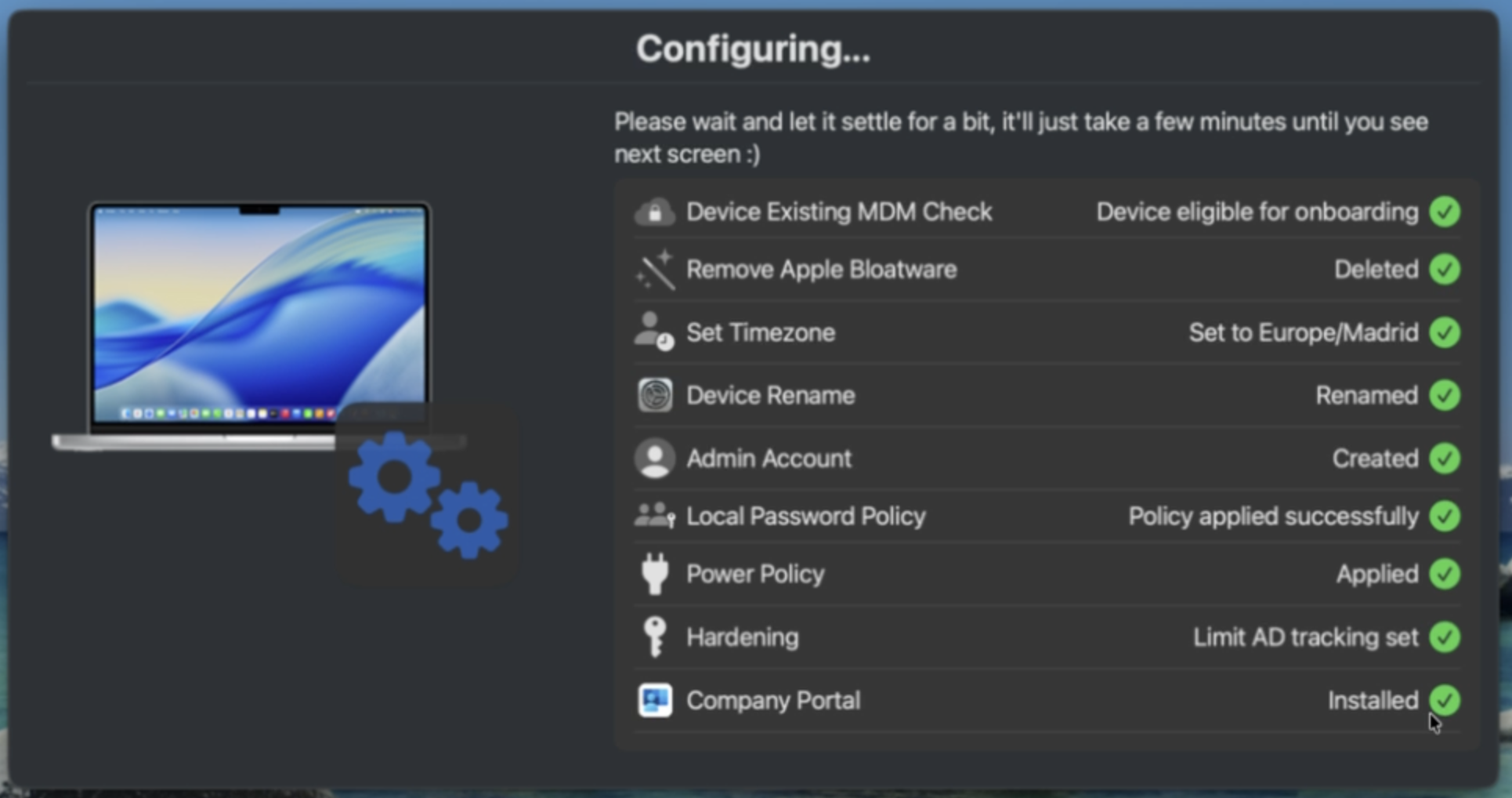
MacTuner configures your computer by running several scripts in background streamlining your configuration.
5. Company Portal
Automatic deployment of Microsoft Company Portal for managed software updates and corporate apps installation.
6. Enrollment
Sign in with your @norvato.com credentials when prompted by Company Portal to complete Intune onboarding.
Still have doubts? You can find an explanatory video walkthrough directly inside the tool's Help function to guide you through every step.
© 2026 Norvato - IT Projects & Corporate Workspace. All rights reserved. Intune and macOS are trademarks of their respective owners.